Stop Guessing. Get Connected.
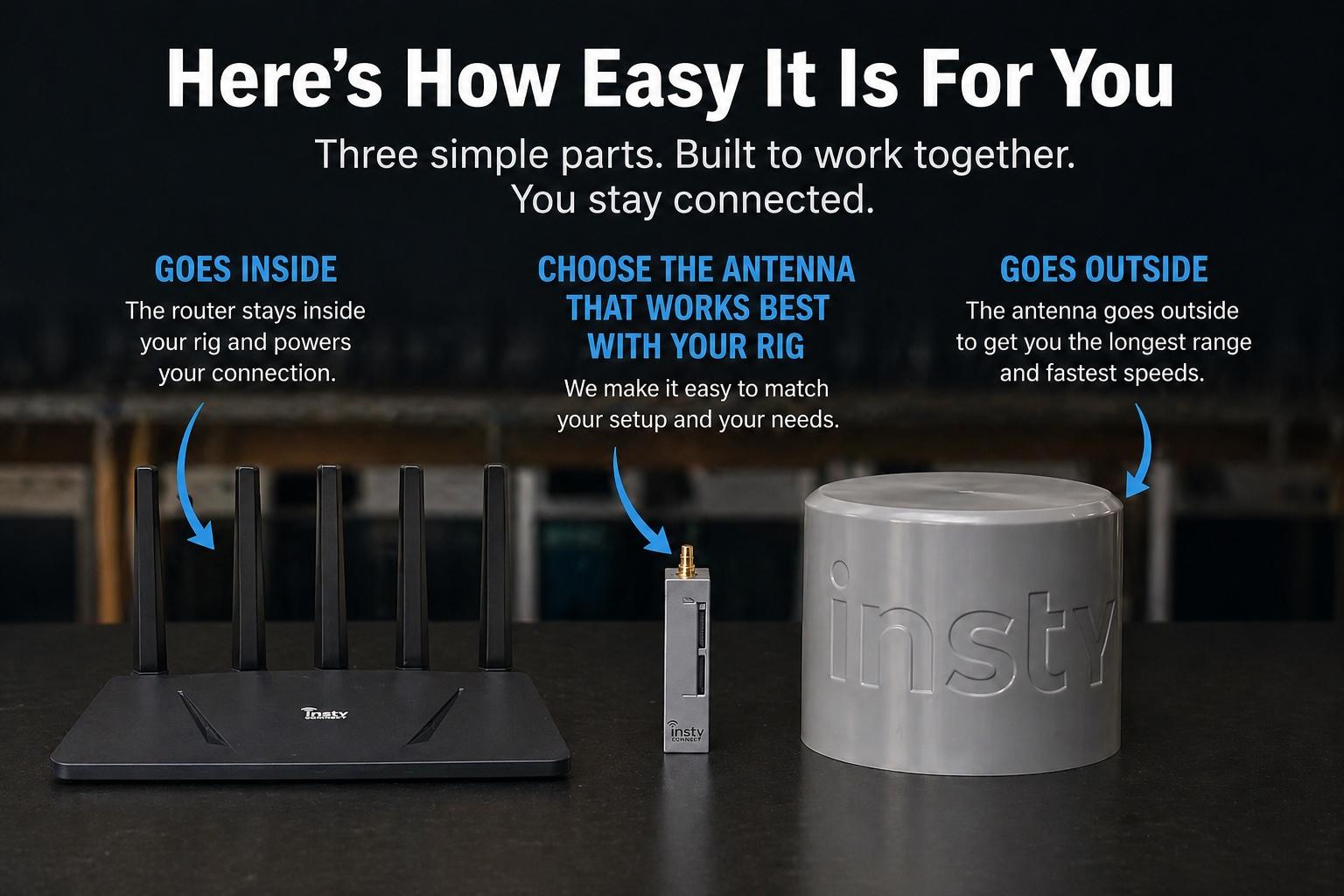
We built a complete internet system — with long-range hardware and flexible data — so you don’t have to piece it together yourself.
We built a complete internet system — with long-range hardware and flexible data — so you don’t have to piece it together yourself.
Internet on the road shouldn't be this complicated.
A short video about the problems with most internet solutions - and how we created a better way that really works.
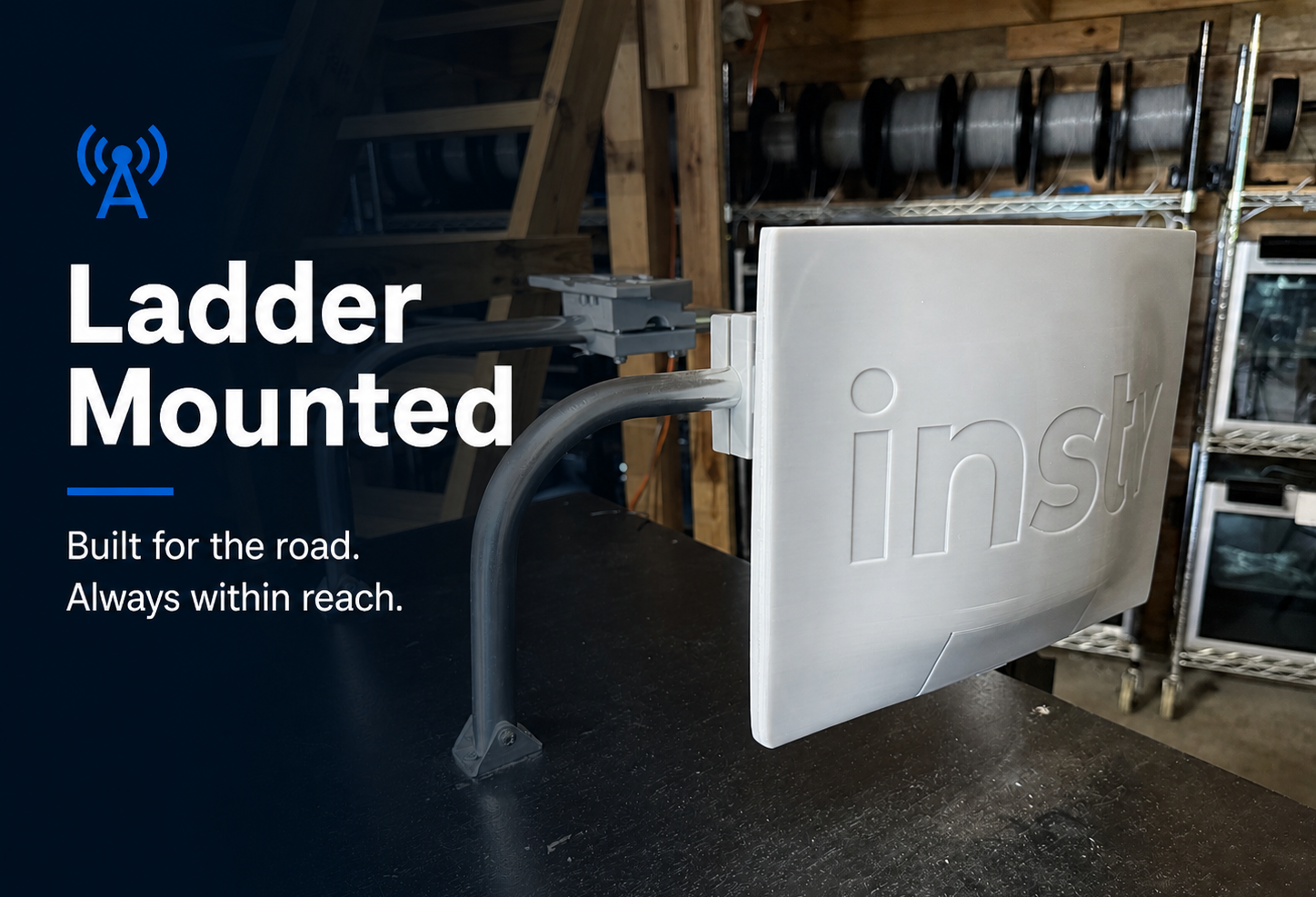
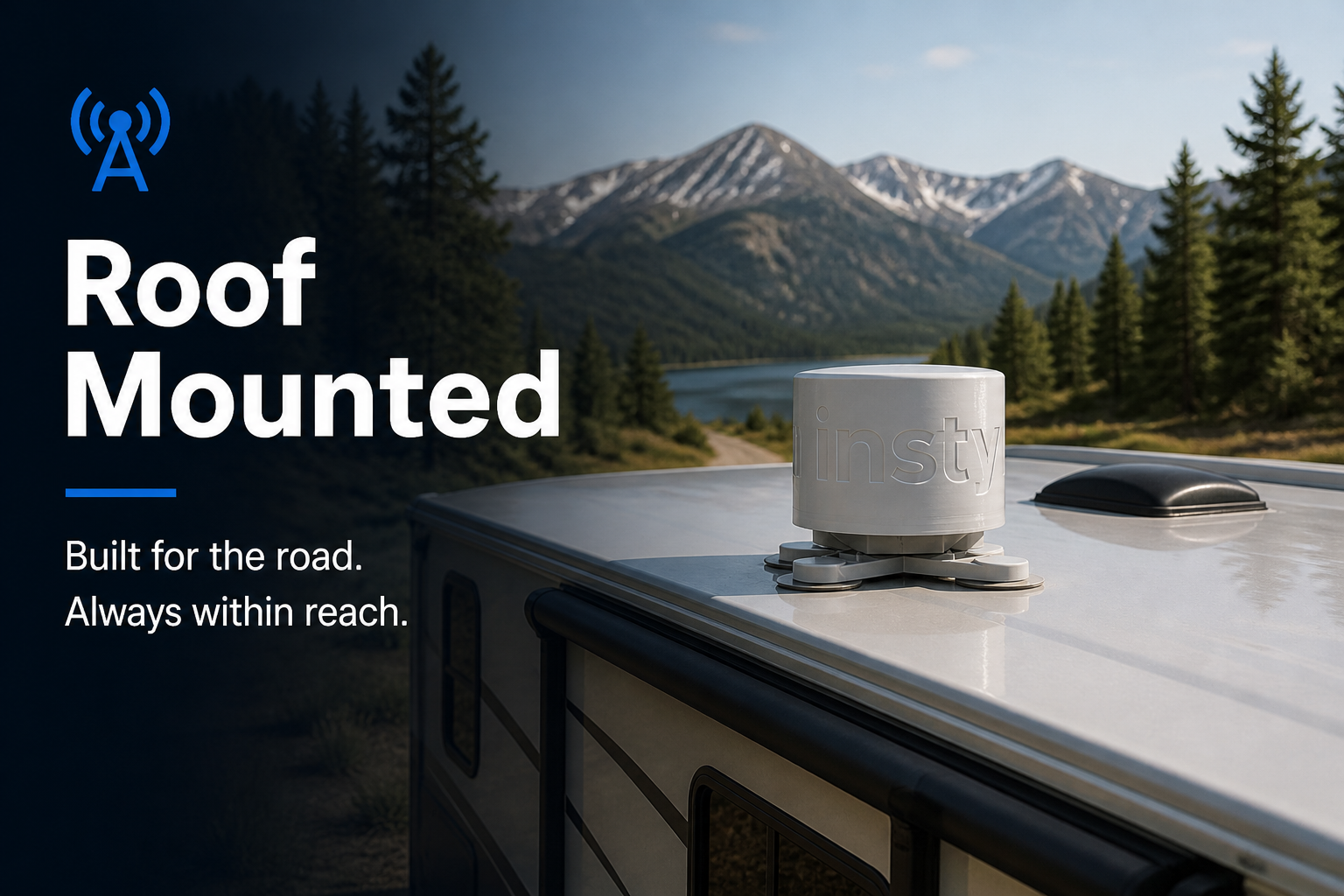
Start with the antenna that fits today. Switch anytime — no need to replace your system.
You will have the freedom to do what no one else can:
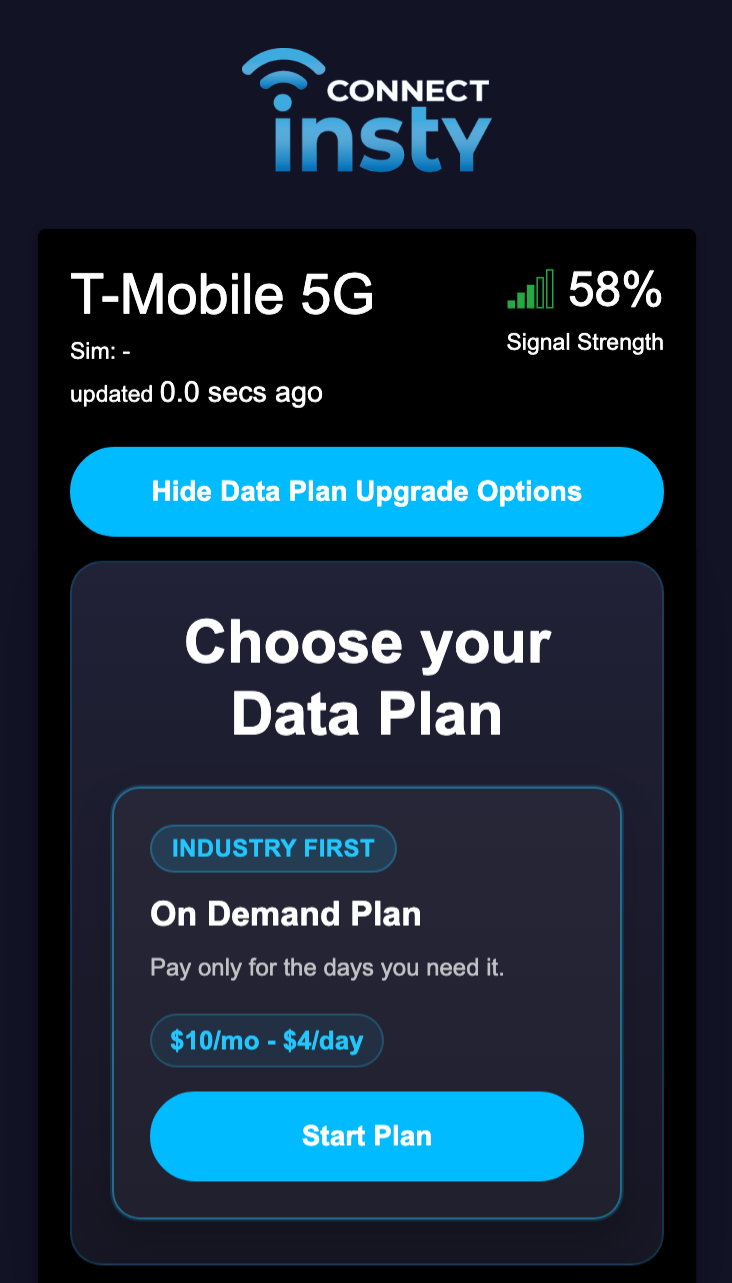
instantly choose the data plan that fits your trip, your location, and your needs anytime.
The Insty Data Plan App Store
Get reliable internet when you need it — without contracts or wasted monthly bills.
Set it up in minutes. Control everything from one app.
Complete systems starting at $799 $499
Hit The Road Sale! Save $300 today
Built by our family to keep yours connected on the road.
Since the Insty Connect is the first modular internet system, it allows you to have the most tools in your toolbox. If there's a cell signal, you'll be the one to receive it.
The binoculars are available as an add-on to the Insty Connect Explorer 4G and 5G.
Used everyday by RV'ers who depend on it.
My kids could stream a movie while I was on a video conference with 12 other people. I had enough download speed that I even let my RV neighbor join my WIFI...
Great results, and I highly recommend Insty Connect to everyone I know!
- Derek A.
Please check this Knowledgebase article for an up-to-date report on shipping times:
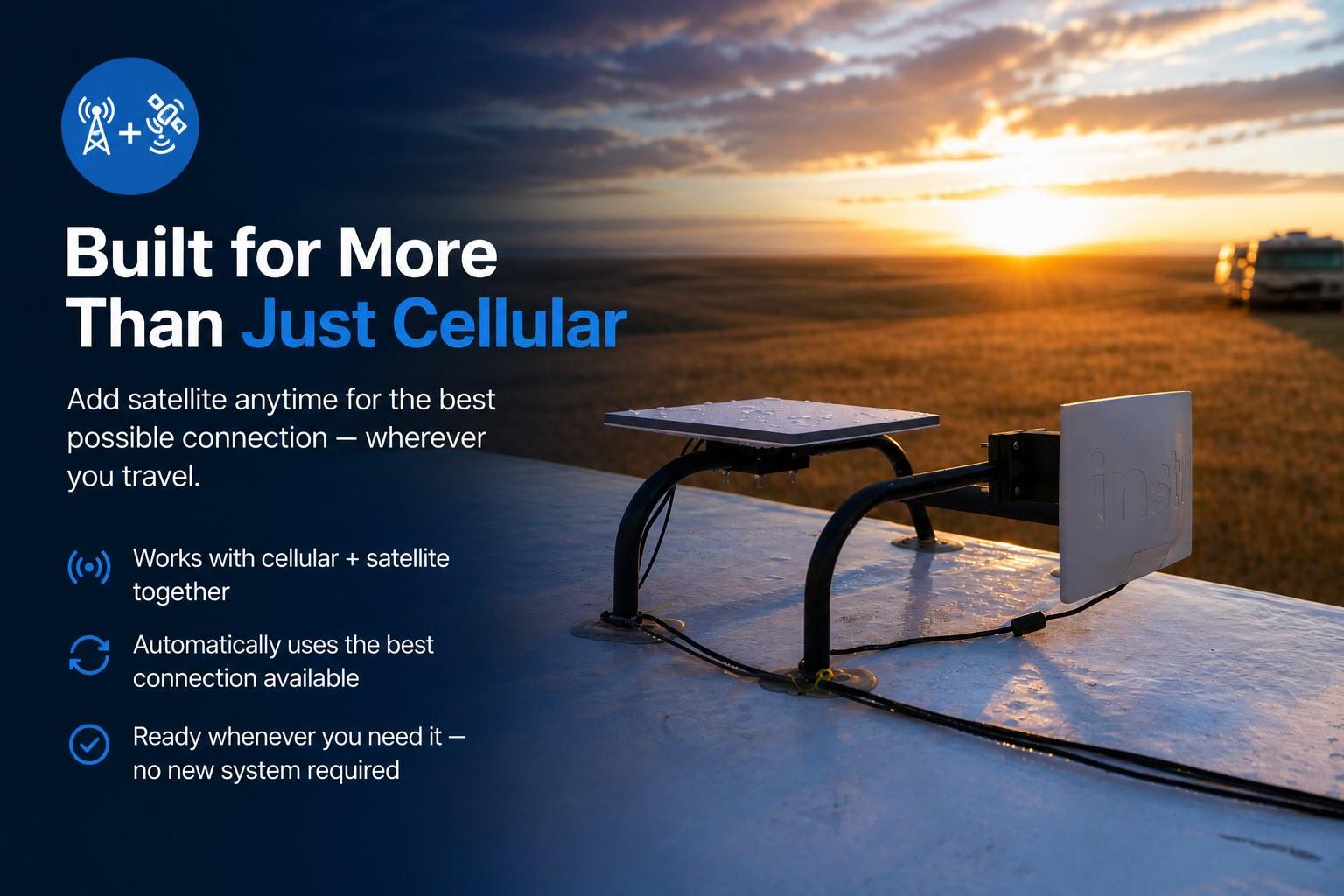
Yes! Insty Connect Gen 2 is designed to work seamlessly with other internet sources such as Starlink and other Wifi networks.
Our LAN 4 port has been specifically setup to accept an ethernet cable direct from the Gen3 or Mini Starlink. When a starlink is plugged in, the system will recognize the starlink and allow you to continue to manage your starlink from the phone app.
Our data plans use the nations best cellular networks. There are 3 major carriers in the US currently, and we chose to work with what I would say are the top 2. I have extensively tested these providers all around the country, and found those to be the best as far as coverage and bandwidth availability.
Our main data plan offerings operate on the T-Mobile network. I chose this network as our main network because of the extensive 5g build out they have done all throughout the country. With our antenna, we have been able to pick up 5g signals in places that I didn't think was possible, and the 5g build out helps immensely with congestion that used to plague 4g in a lot of places around the country.
Our secondary plans are on the Verizon network. I have been impressed with their 5g rollout as well, although not as complete as T-Mobile, their network is tried and true, it's been around for a long time and has the best reach throughout the country as far as coverage goes.
The way our plans work is that we ship each system with 2 SIM cards that can be activated on cue. All of the metered plans run on the T-Mobile network, but our Unlimited Premium and Business plan users can choose what SIM is active and what network they are connected to.
Because we utilize plans direct with the providers, we can get priority on those networks, versus allowing 1 sim to roam on other networks, where you get lower priority and slower speeds. We decided to go with the 2 individual SIMS to get you the best performance on that network.
This means that if you want to change networks, currently you have to contact us to have us switch the SIMS for you, and we can get that done right away. We are working on an automated process to allow you to change the SIMs from the system.
Yes, with our Multi-Network plan, you can easily select the network right inside the app. The system will automatically fail over if that network loses connectivity as well.
Yes! The Gen 2 Insty Connect can do Wifi as wan VERY easily. Just scan for networks and choose the network you would like to use. You can also save the wifi networks to re-connect later on.
Our family YouTube channel is called We Can Explore it. Tune in for some adventures :)
Created by a traveler who loves to explore, Insty Connect is the answer to finding the best internet on the road.
Join the email list for up to date info about shipping times, new developments and behind-the-scenes sneak peeks!